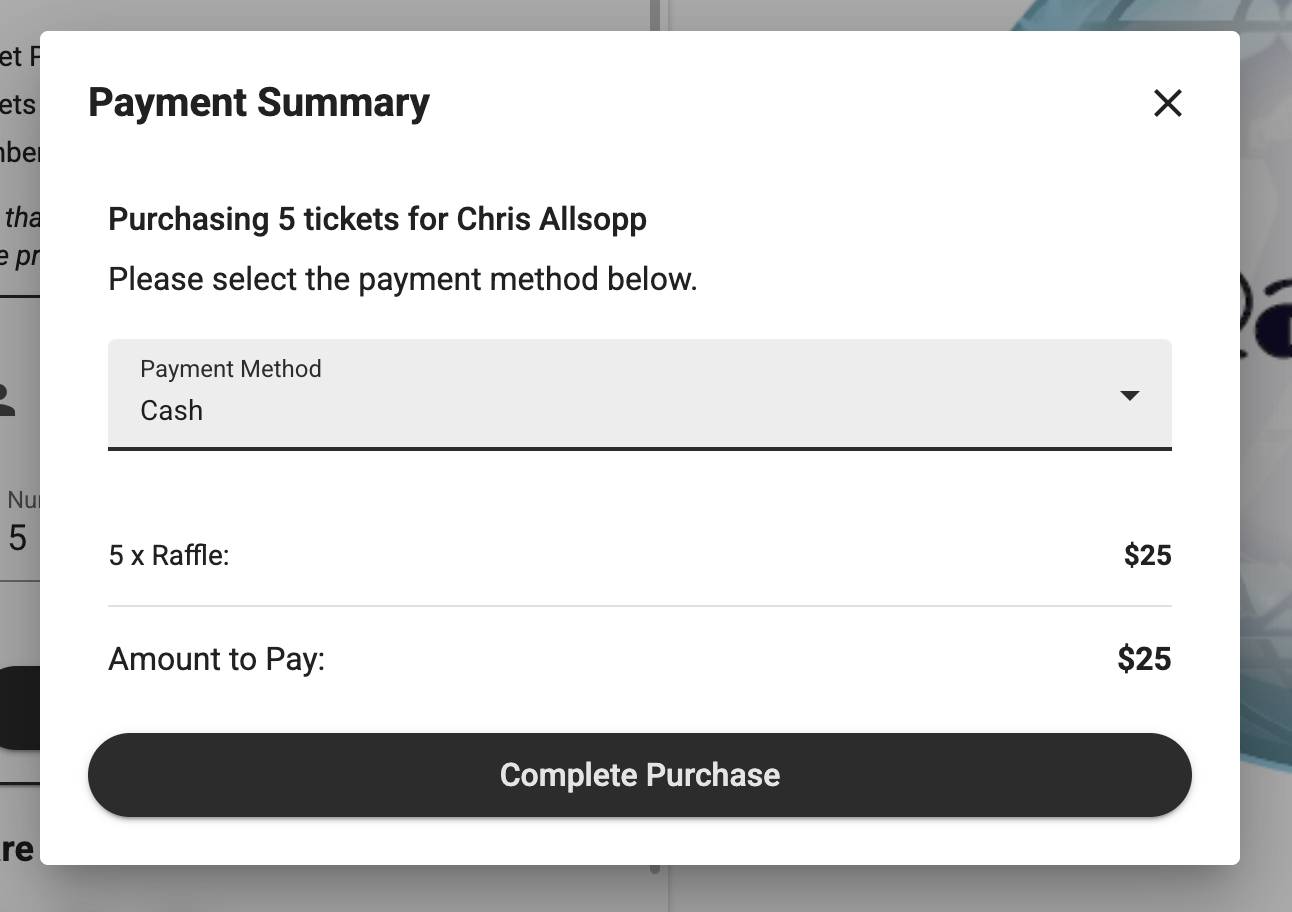
How do I Enter Cash Payments for my Raffle?
This article will guide you through how you can record alternative payment methods for your raffle.
Please note you may need to upgrade your account to access this feature.
First the payment methods will need to be added to your campaign if they are not already there, you can do this under the payment settings on your setup tab.
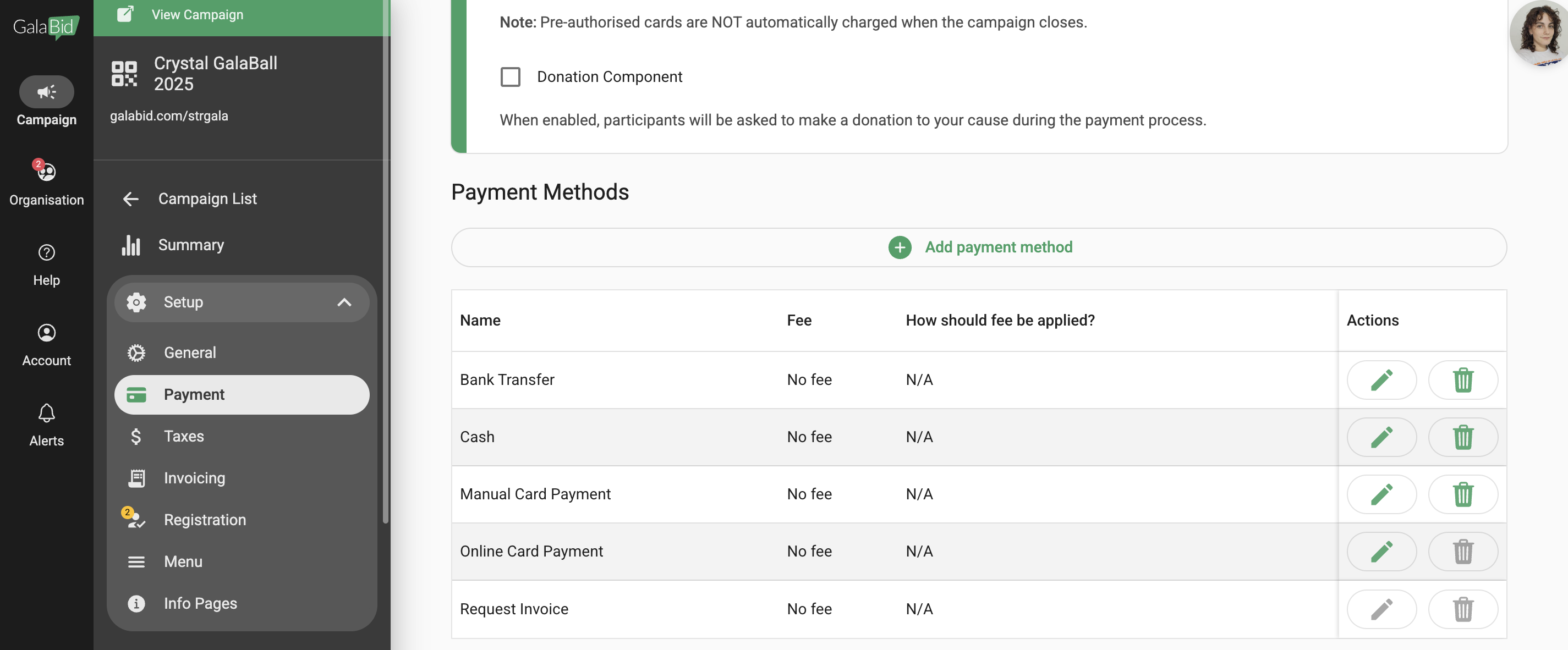
Add the method you need by creating it as a custom payment method.

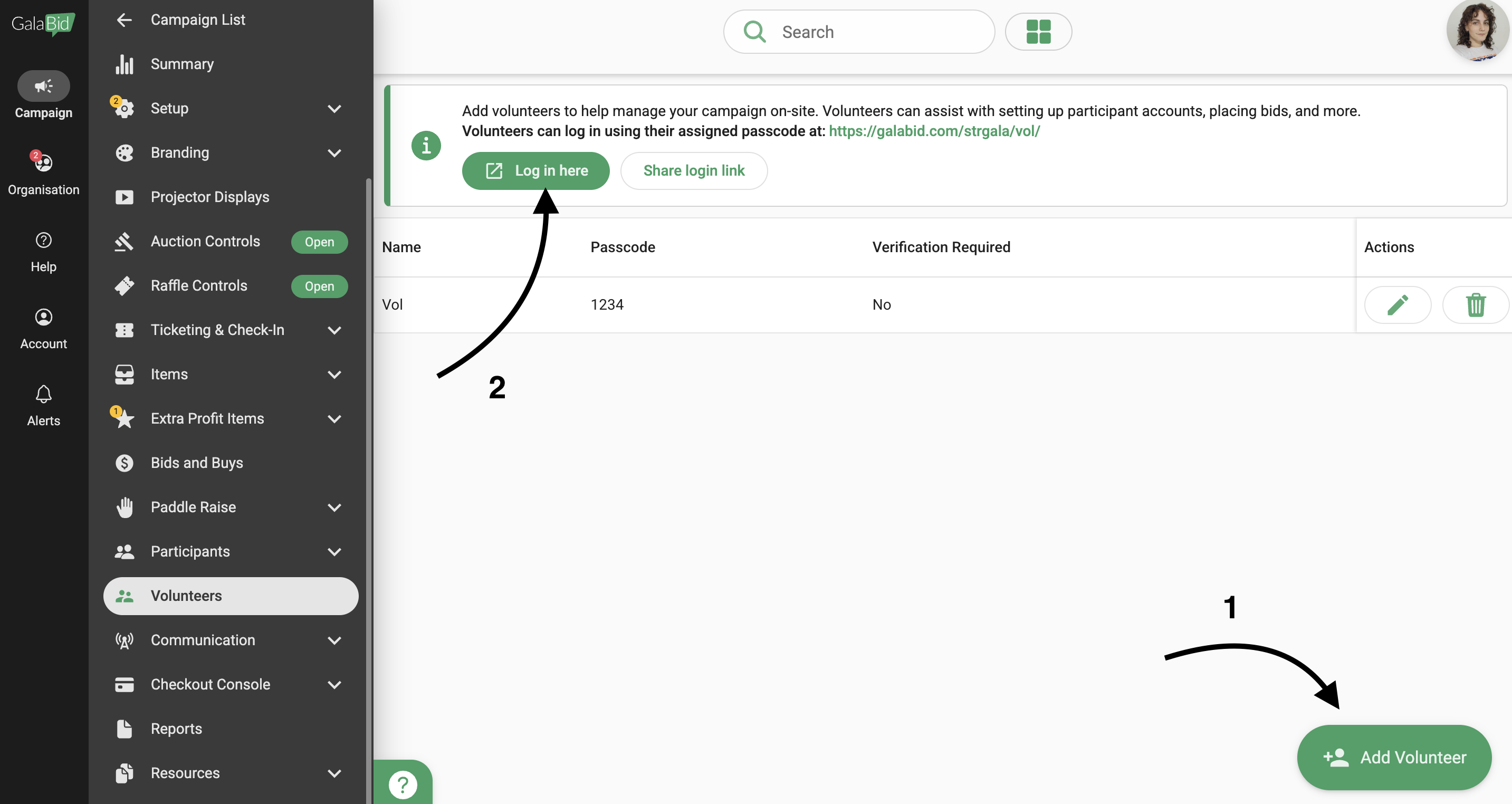
Once the payment methods you would like to use are setup navigate to the volunteer tab, create a volunteer account and then click the login here button at the top.
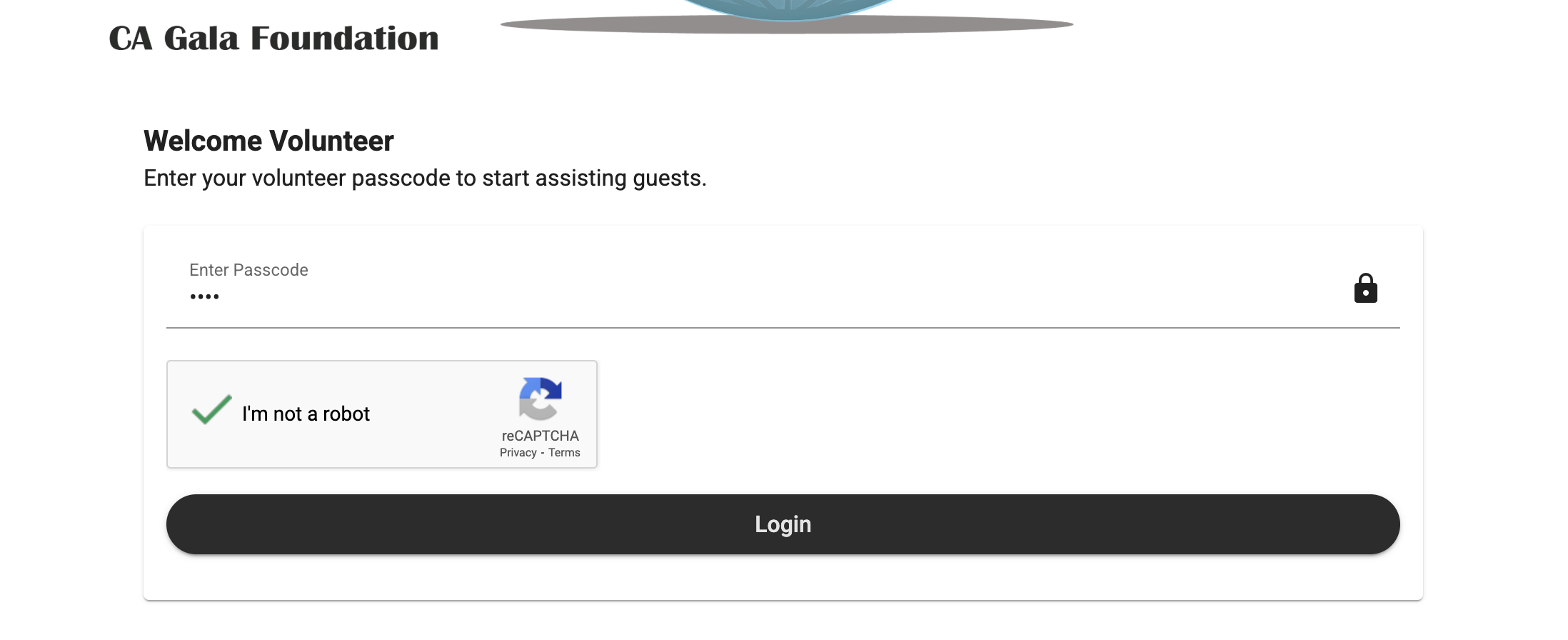
Enter your passcode and tick the recaptcha box to login to the volunteer account.
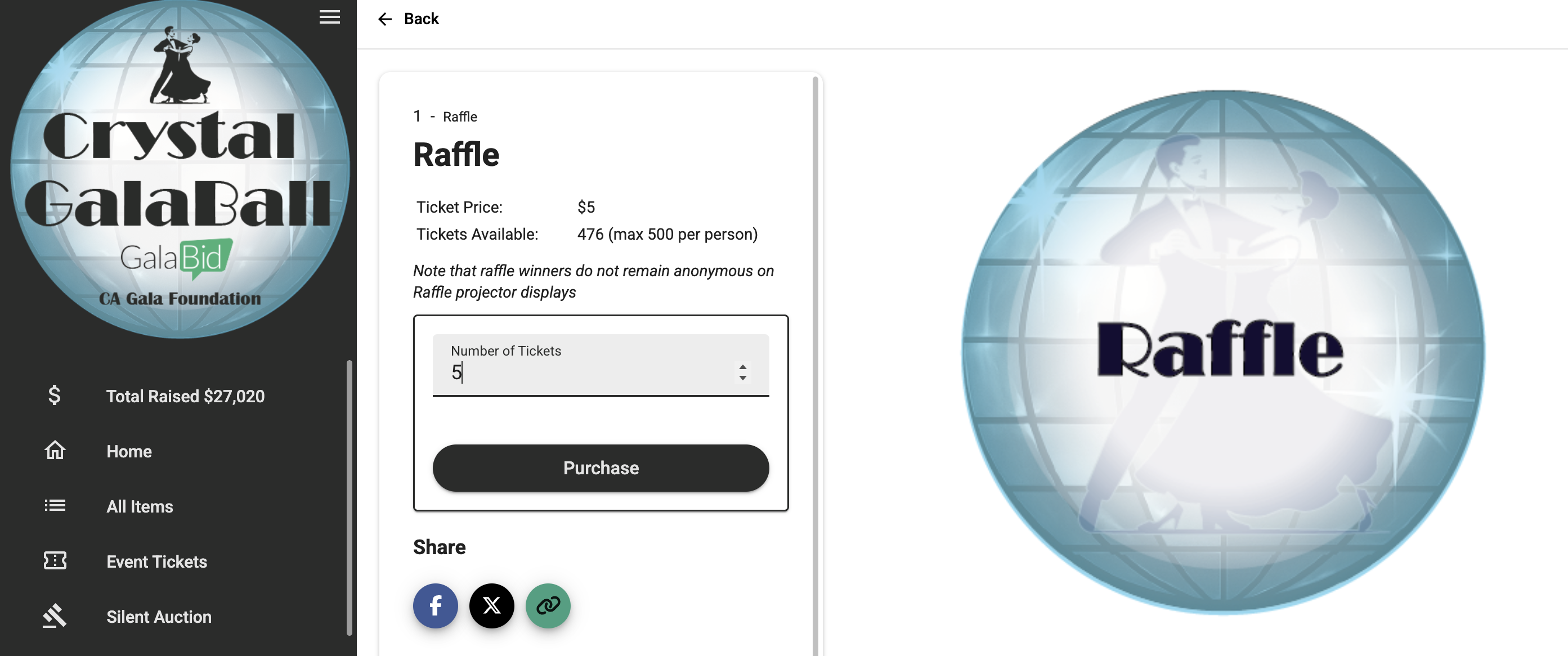
Now navigate to your raffle item and enter the amount of tickets you would like to purchase for the participant and click 'Purchase'.
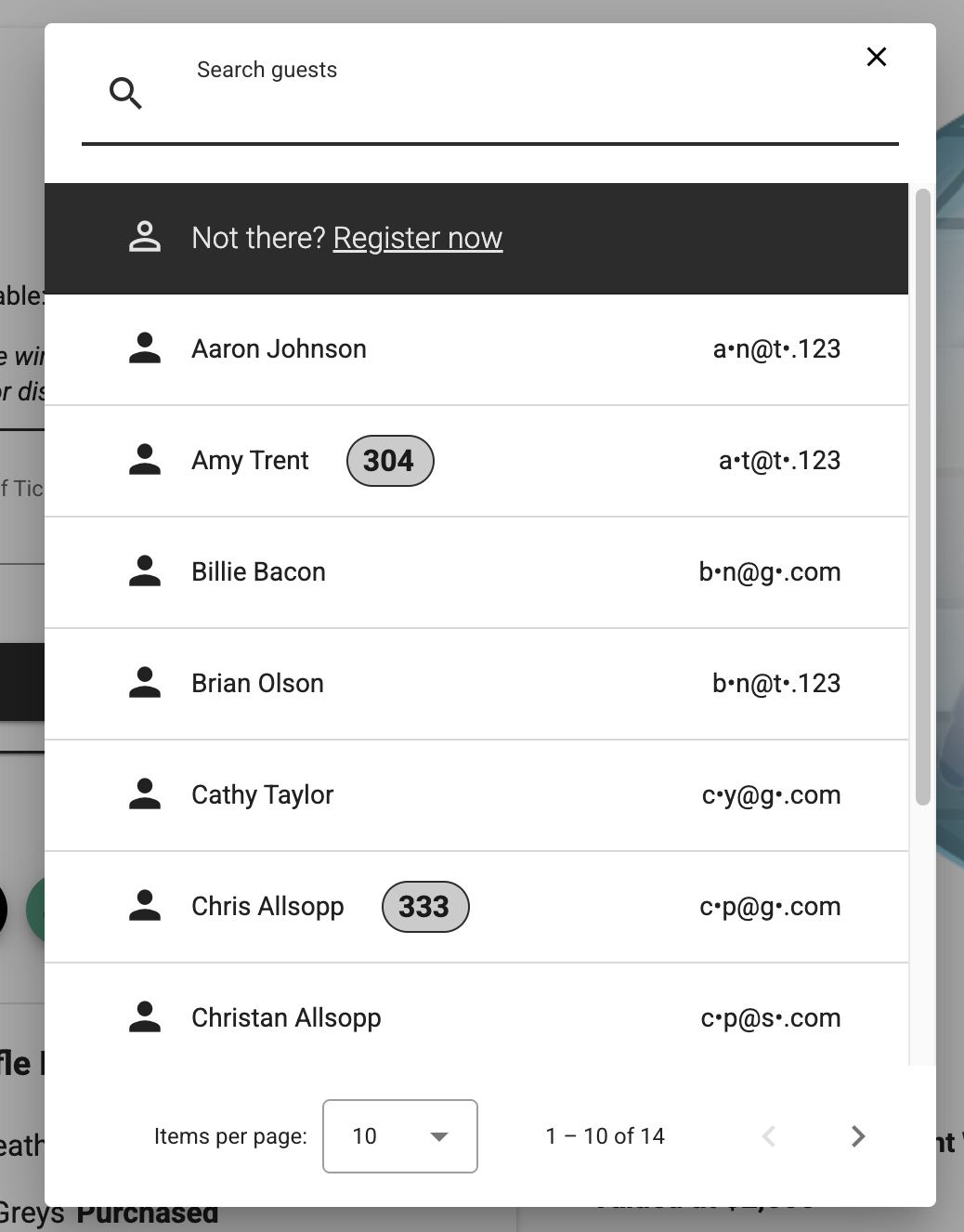
Select the participant you wish to place the purchase for or click register at the top to setup an account on your campaign for them.
Finally to complete the payment select the method you would like to use and then click 'Complete Purchase'.