

How do I draw a raffle?
Drawing the Raffle
Raffle winners are automatically drawn when the raffle closes if you select the Automatically draw winners on close checkbox when scheduling the raffle. If you would like to manually draw the winners, go to the Raffle Controls in the Menu on the Left to draw your winners.
Please Note:
- The draw is random. The same ticket purchaser could win more than one prize if they purchase more than one ticket.
- Each time a raffle is drawn or redrawn the winner is automatically notified of their win. Only redraw if you have alerted the the original winner of the reason for the redraw.
Bulk Raffle Draw
Admins can now draw all prizes for a raffle item at once with a single click. In the raffle draw dialog, items with multiple prizes include a “Draw All” button. Alternatively, each prize can still be drawn individually if required.

Display Raffle Winners to all Participants
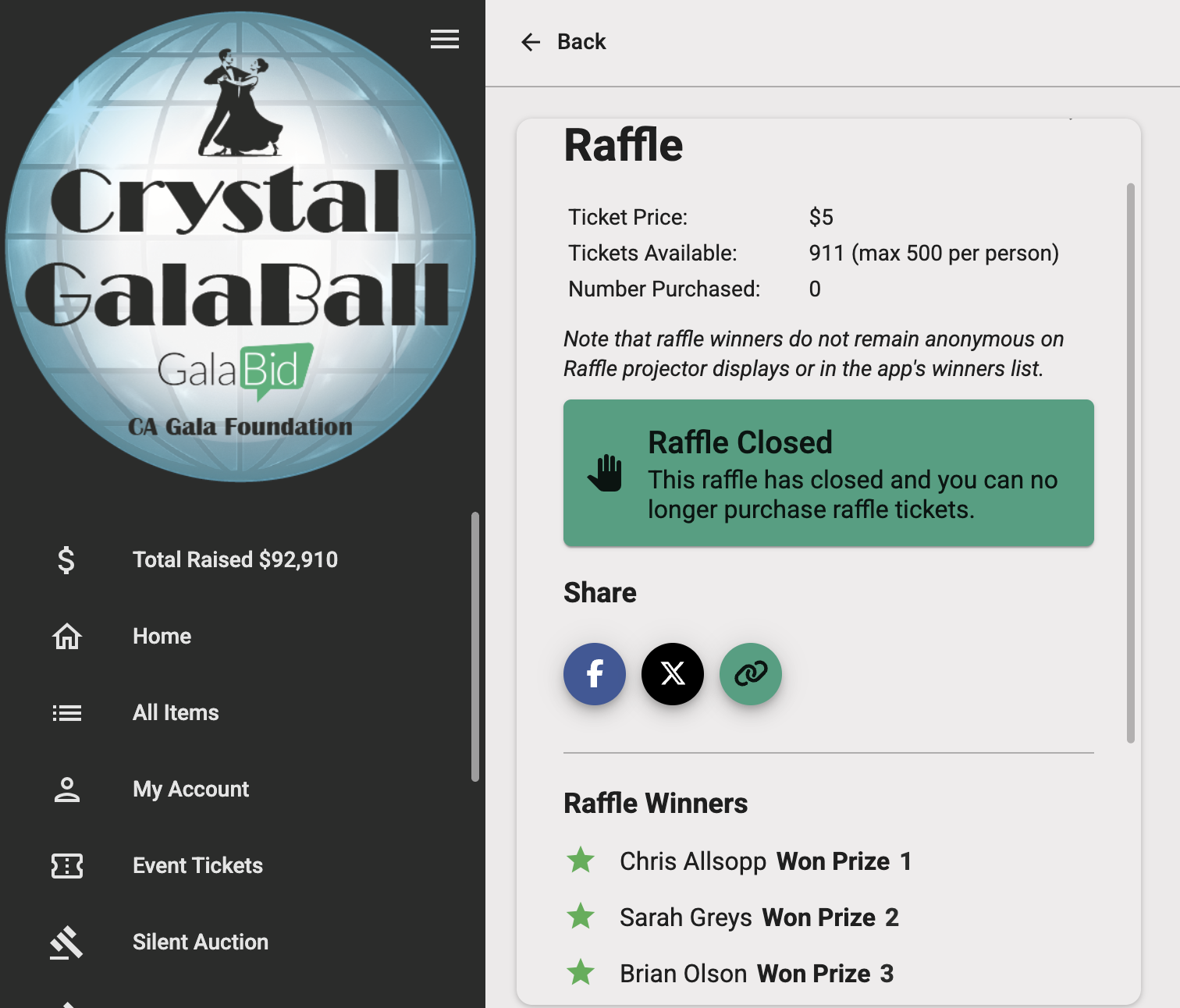
To increase transparency, you can display raffle winners to all participants on the item detail page in the app. Once the winning tickets have been drawn, the winners will appear as Item Activity.
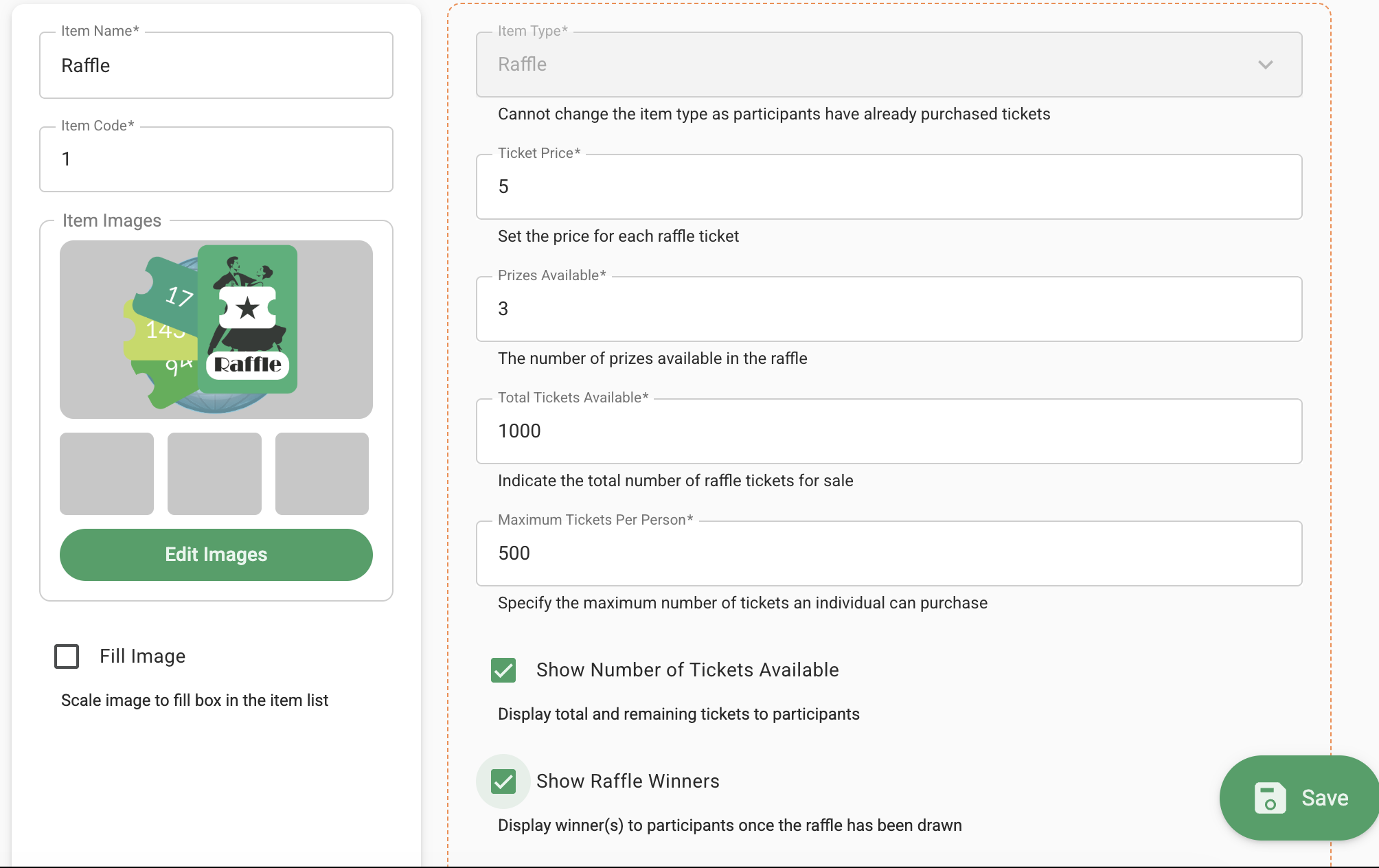
You can control this display for individual raffle items by enabling the "Show Raffle Winners" checkbox in the Item Edit form.
Once the winners are drawn, they will be displayed under the raffle item in the app, as shown below.
Note: The Raffle Draw on the projector display will not show individual winning prize numbers, but will be supported in the new Presenter once released.
See this short on how video on Drawing and Scheduling the Raffle.
