

How Supporters can participate in your Campaign using a QR Code or Link
Option 1 - Campaign Registration Page
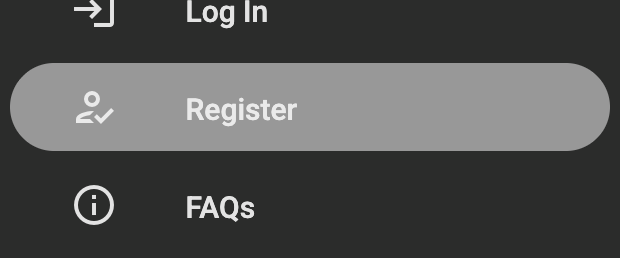
Participants visit the campaign link on a browser and navigate Register in the left hand menu. On the Registration page they can register using social media or, by completing the registration form.
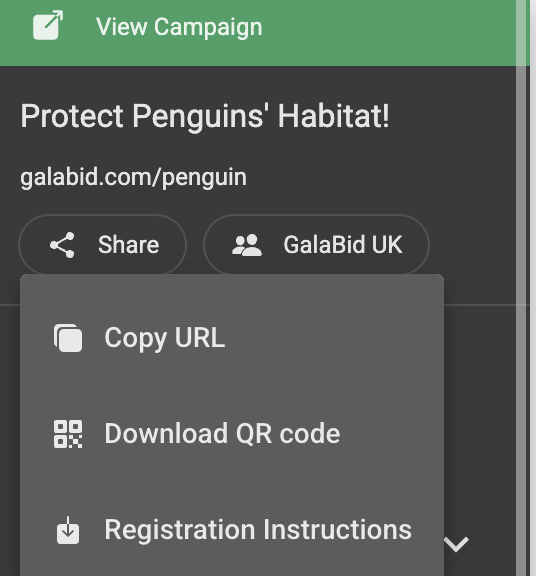
Click Share in the Side Nav in the Campaign's dashboard to copy the campaign's unque URL, download the QR code and registration instructions.
Option 2 - Place a bid/make a purchase
Participants can browse the items in the campaign without registering. They will be prompted to register when they make their first bid or purchase.
Option 3 - Text to Register
Participants text the campaign's url extension to a mobile number to fast track the registration process. They then click the link in the text they receive from GalaBid, to verify their phone number and complete any additional registration fields. In the GalaBid dashboard see the Useful Documents section for print friendly instructions.
The Phone number field must be enabled on the campaign's Registration settings. Visit the Useful Documents section in your campaign's dashboard for Text to Register Instructions.
You may need to upgrade your GalaBid account to access Text to Register.
Option 4 - Individual Invites
Custom Registration Instructions
You can customise the Registration Instructions document to provide participants with additional information about your registration process.

Once you have made your changes, click Save to save the customised instructions. The updated document will be available to all campaign administrators.

You can also download or print the document by clicking on 3 dots to share the registration instructions with participants.
