

Can I bulk-hide the items?
Last updated:
November 7, 2026
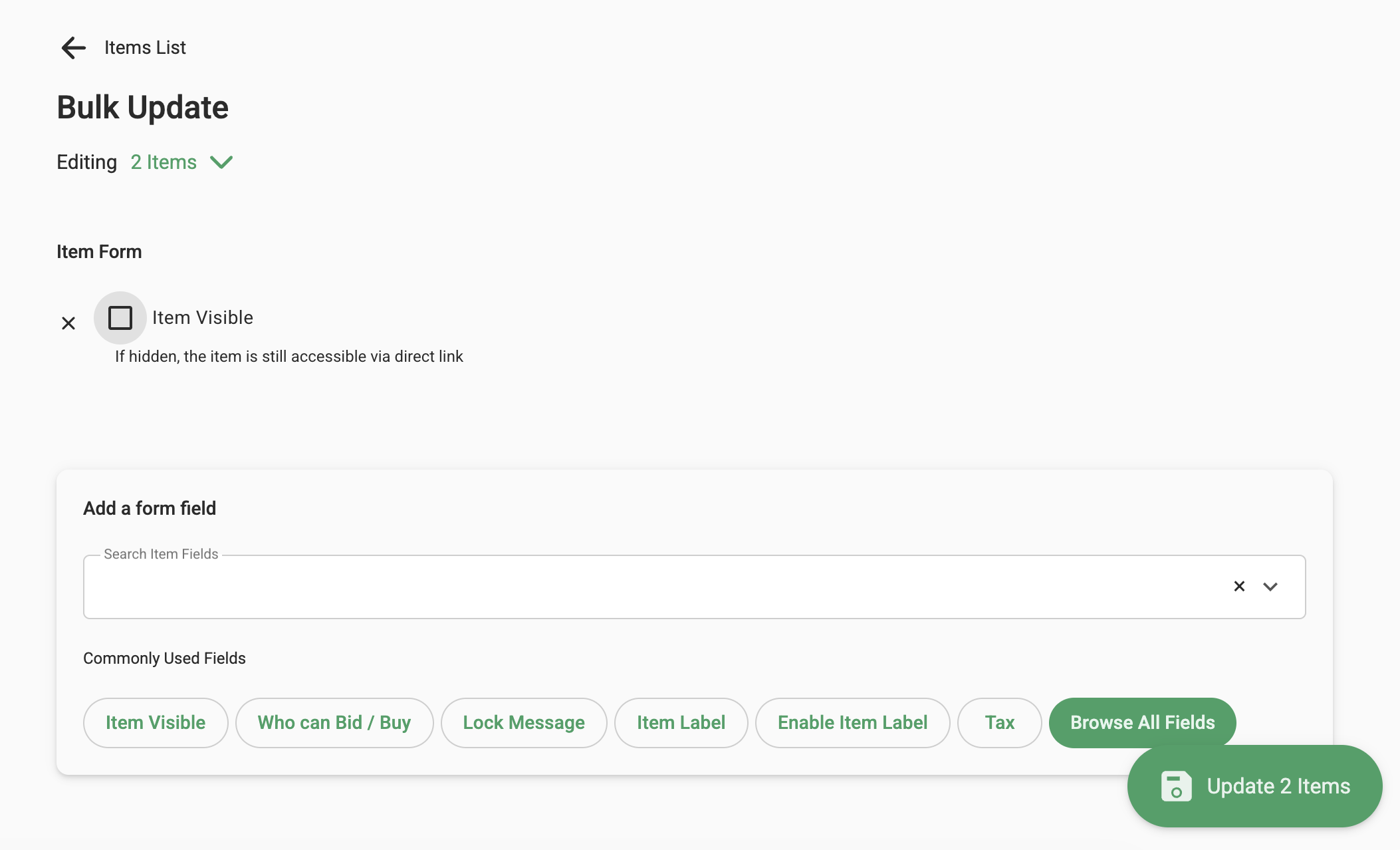
Go to the items tab on your dashboard and check the boxes to the left of the items you would like to Bulk Update and then choose "Item visible" from commonly used fields at the bottom, change the visibility to hidden and then complete the process by clicking update at the bottom right of the page, these items will then be hidden on the front end.
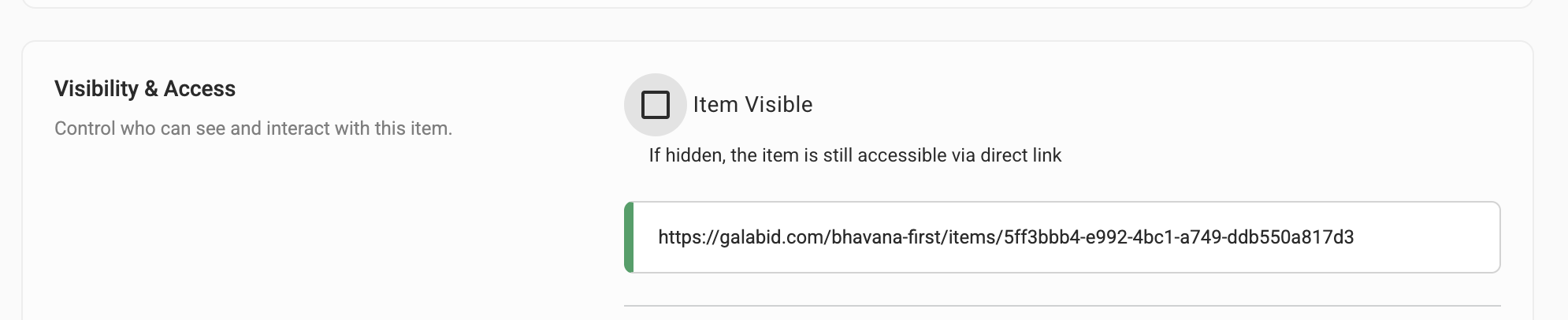
To hide an individual item, navigate to the item's form, scroll down to "General Options", and uncheck the "Item Visible" checkbox. Save your changes.
To learn more about the Bulk Update feature see this article
