

Item Images - Uploading and Editing
Last updated:
March 11, 2026
Image Upload
Upload multiple images per item.
Bulk uploading images on more than one item at a time is not currently available.
Item Images Editing
Step 1) Open the Item and Edit Images.
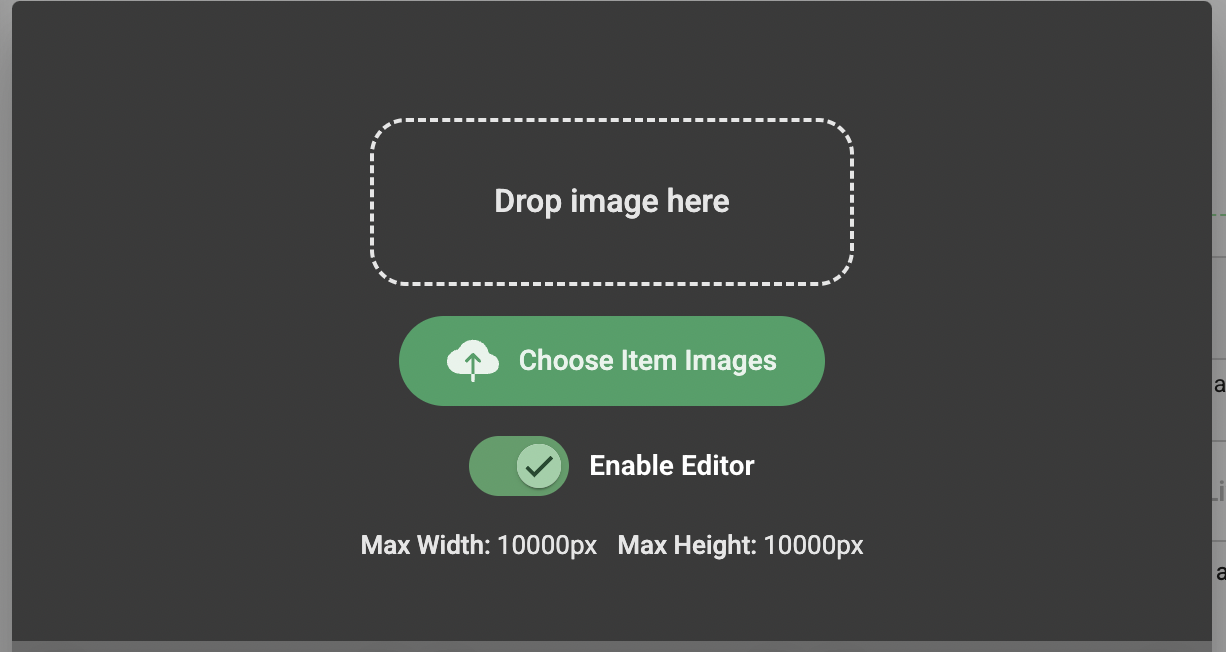
Step 2) Upload the image.
Max Width: 10000px Max Height: 10000px
Step 3) The crop box boundary is visible and appears draggable. Click and drag to crop as required. Rotate as required

Images can be downloaded individually. Edit and existing image by downloading it and re-uploading to activate the Image editor.
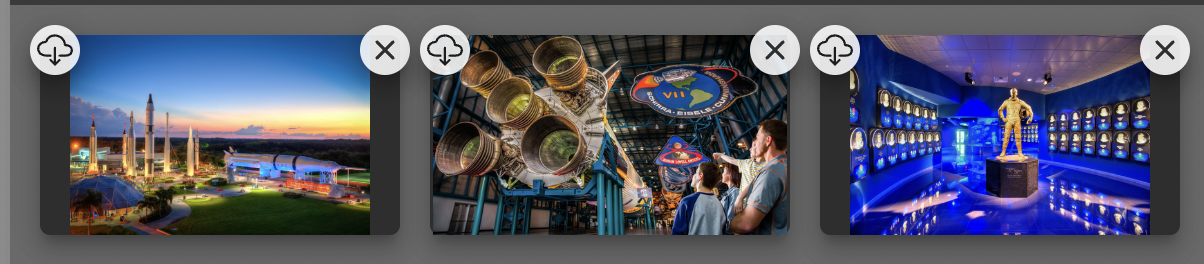
Each hero image can be made uniform on the All Items page via the Fill Item Image Check box in Advanced Options in each Item.
