

How can I Hide Participants' Names?
Hiding Participants and Anonymous Accounts
Hiding Participants' Names on Items
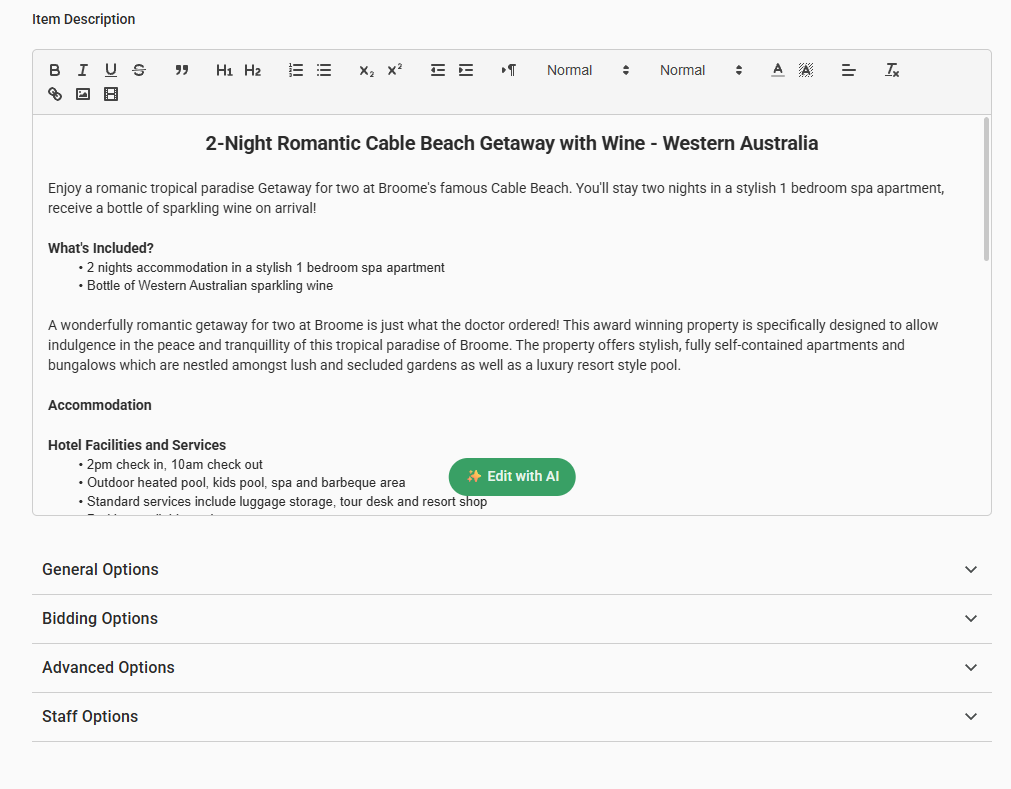
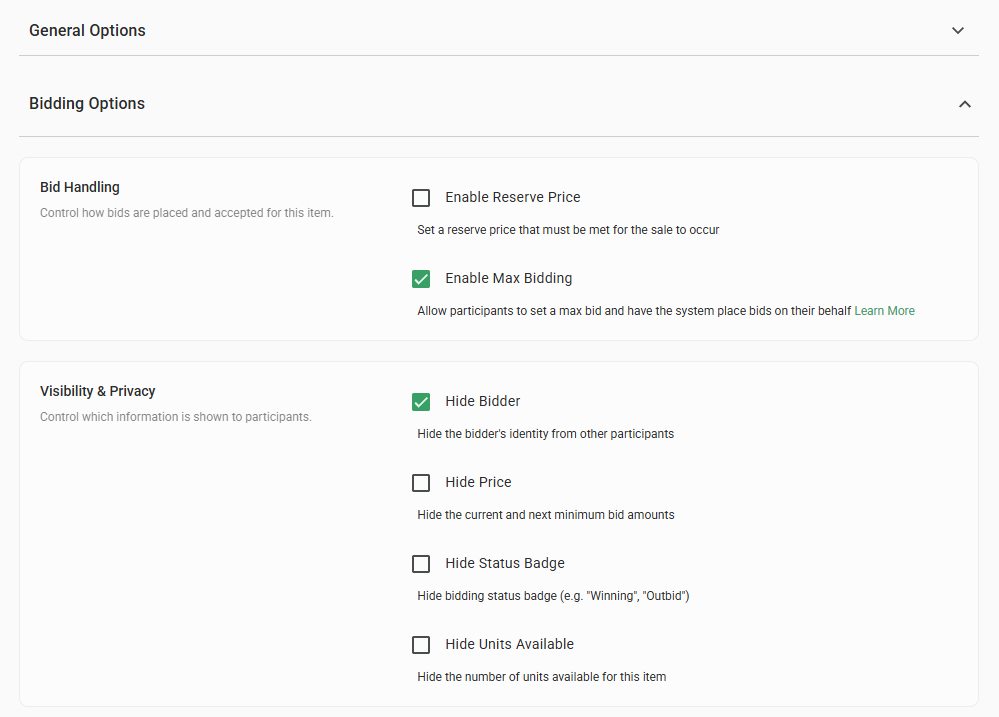
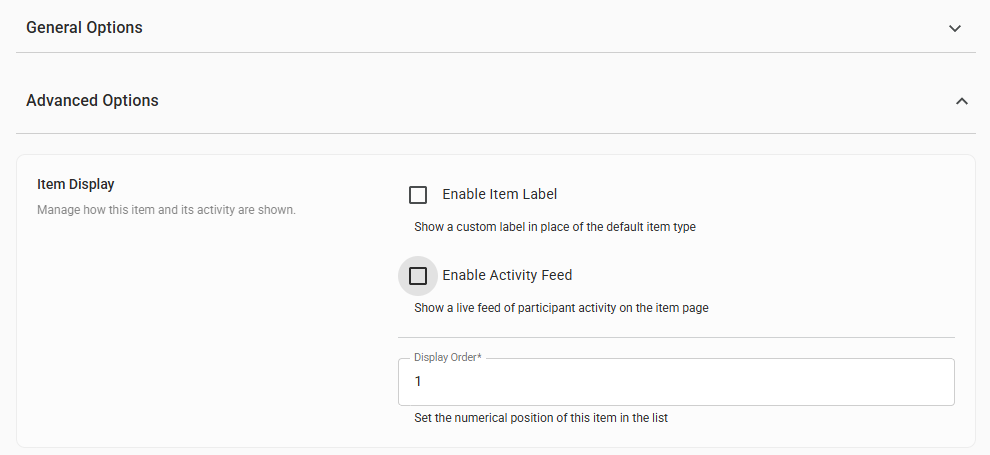
You can hide participants' names from being displayed on your items by enabling 'Hide bidder' on Auction items you will find these under the 'Bidding Options' at the bottom of the edit item page, for other item types this is located under 'Advanced Options' and then disabling 'Enable Activity Feed'.
Auction
Raffle, Donation & Buy it Now
Once disabled click 'Save' in the bottom right corner and this will be applied.
Note: This has to be done to items individually or can be done using the bulk update feature to apply all at once.
Participants' Option to be Anonymous
When registering, a participant will have the option to check a box to choose to be anonymous.

They can also update this at any time from 'My Account' when they are logged into the campaign.


Anonymous participants' names will appear in the dashboard and on any invoice.
Manually Changing Accounts
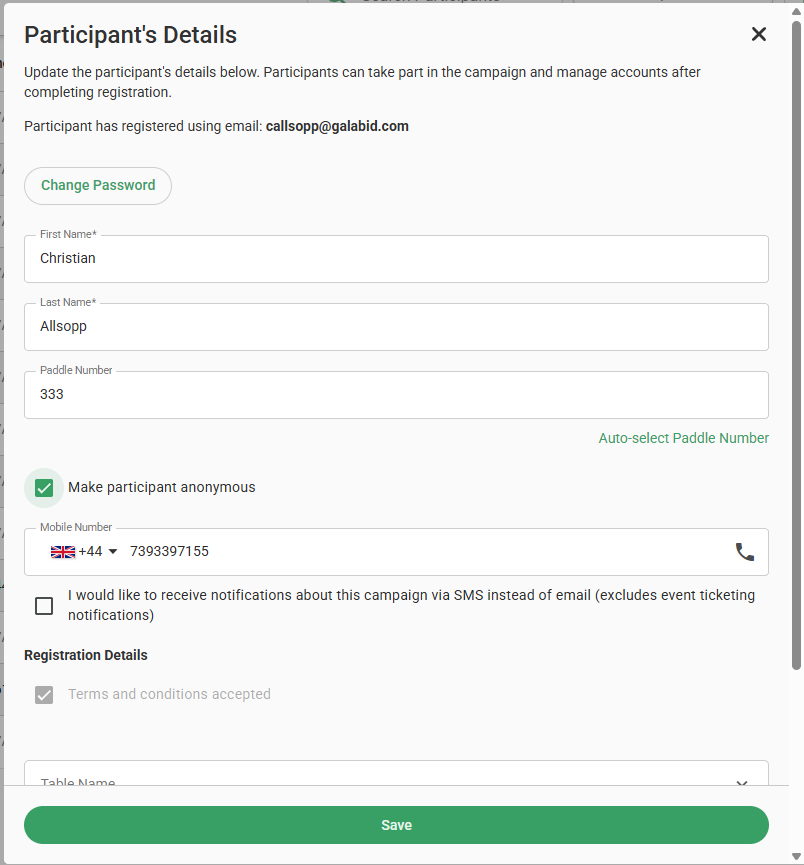
If you need to manually change a participant's account to anonymous you can do this by going to the 'Participants' tab on your dashboard, editing the participant's account and then ticking 'Make Participant Anonymous'
Raffle Draw Leaderboard
Note: that Anonymous winners' names appear as Anonymous on the Raffle draw leaderboard.
