

How do I add a reserve to an auction item?
Last updated:
February 12, 2026
Single Item
1) Go to the Items section in the side menu and edit the item you wish to add the reserve price to.
2) Select Bidding options to proceed. The Bidding Options button is located directly under the Item Description box.
3) Click on Bidding options to see the Reserve settings.
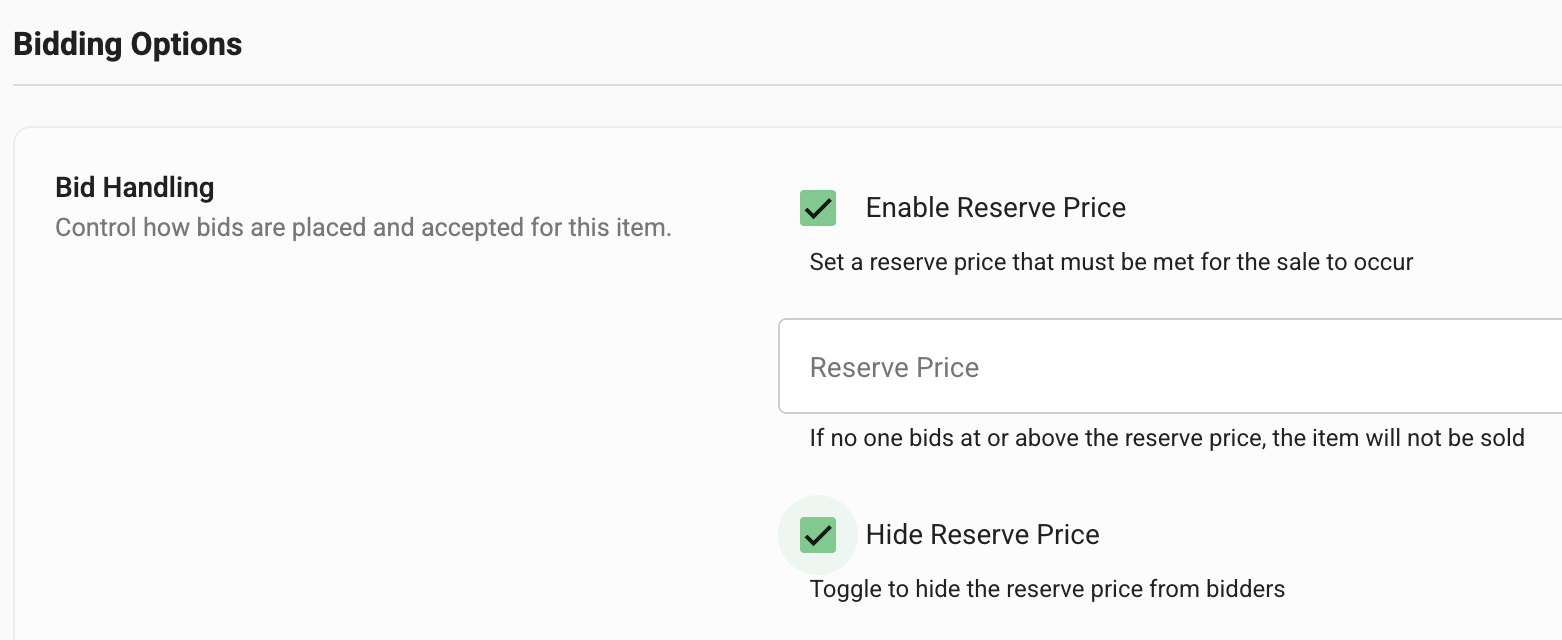
4) Tick the Enable Reserve Price and use the Hide Reserve Price Box to either hide or show the reserve price to participants.
5) Enter the reserve price.
6) Click Save in the bottom right corner to save these settings.
Note that the Below Reserve price badge will only show on the item when there is at least one bid placed.

Add a Reserve to Multiple Items
Use the Bulk Update Feature to add the same reserve price to multiple items.
