

How do I Refund a Payment?
To refund a voluntary contribution, the payment, including the voluntary contribution, needs to be refunded in GalaBid.
1) Go to Checkout Console > PAYMENTS. Search the name of the participant. Once the payment is located click Refund to the right of the row. Note that the refund is processed by Stripe and can take approximately 10 days to reach the participant's bank account.
Please Note: The transaction fees charged by Stripe on the original payment are non-refundable.

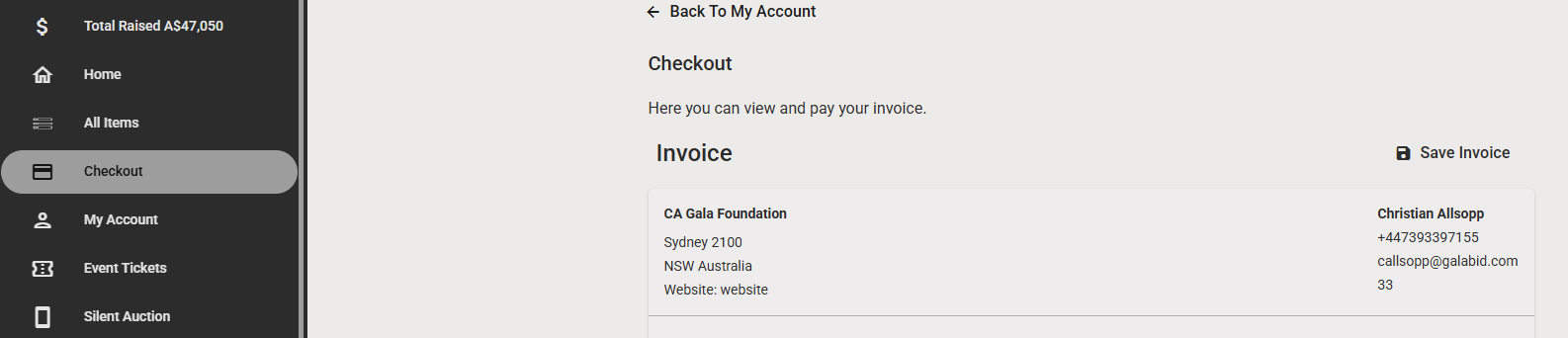
2) The participant can then go back to the message they received originally which includes the link to their invoice. Or they can access their invoice/check out by logging into the campaign from any browser.
Please note that if a payment is refunded in Stripe (instead of in GalaBid) it will not reflect on the GalaBid platform.
