How do I set up the countdown timer for participants to view?
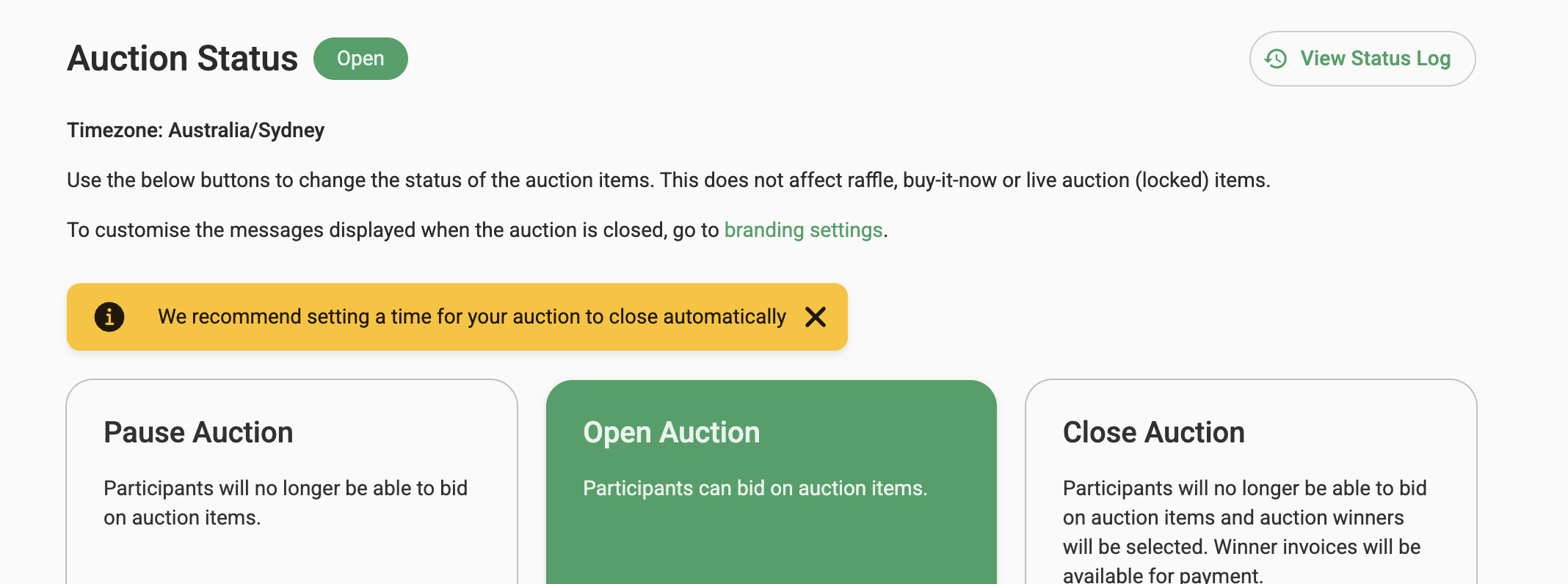
To set an auction to close at a specific time, go to Auction Controls in the left hand menu and in the Close Auction section, set the "Schedule close date & time". Click on the calendar icon to choose the date and time or type in the time and the count down timer will appear in the dashboard on the bar in the top left corner and on the campaign itself, for participants to view.


Note that the campaign will close automatically at this time and all participants who made purchases (for example raffle tickets) or won auction items will receive a notification of the close with a link to their invoice. Invoices containing only raffle tickets will be displayed as paid.
Auction Status Log
The Auction Status Log provides a clear audit trail of all status-related changes made to your auction. It records who performed each action and when it occurred, including changes to scheduled start and end times.
Whether an auction was closed manually or automatically based on its scheduled end time, you can review the relevant activity in the log. This helps improve transparency and accountability by providing a complete record of changes made to the auction status.
The Auction Status Log is available to view from the Auction Controls page.