

What email or text message notification is sent to a raffle ticket purchaser?
Raffle ticket purchasers receive an email or a text message to view the raffle tickets they have purchased. This is an example of an raffle ticket email notification:
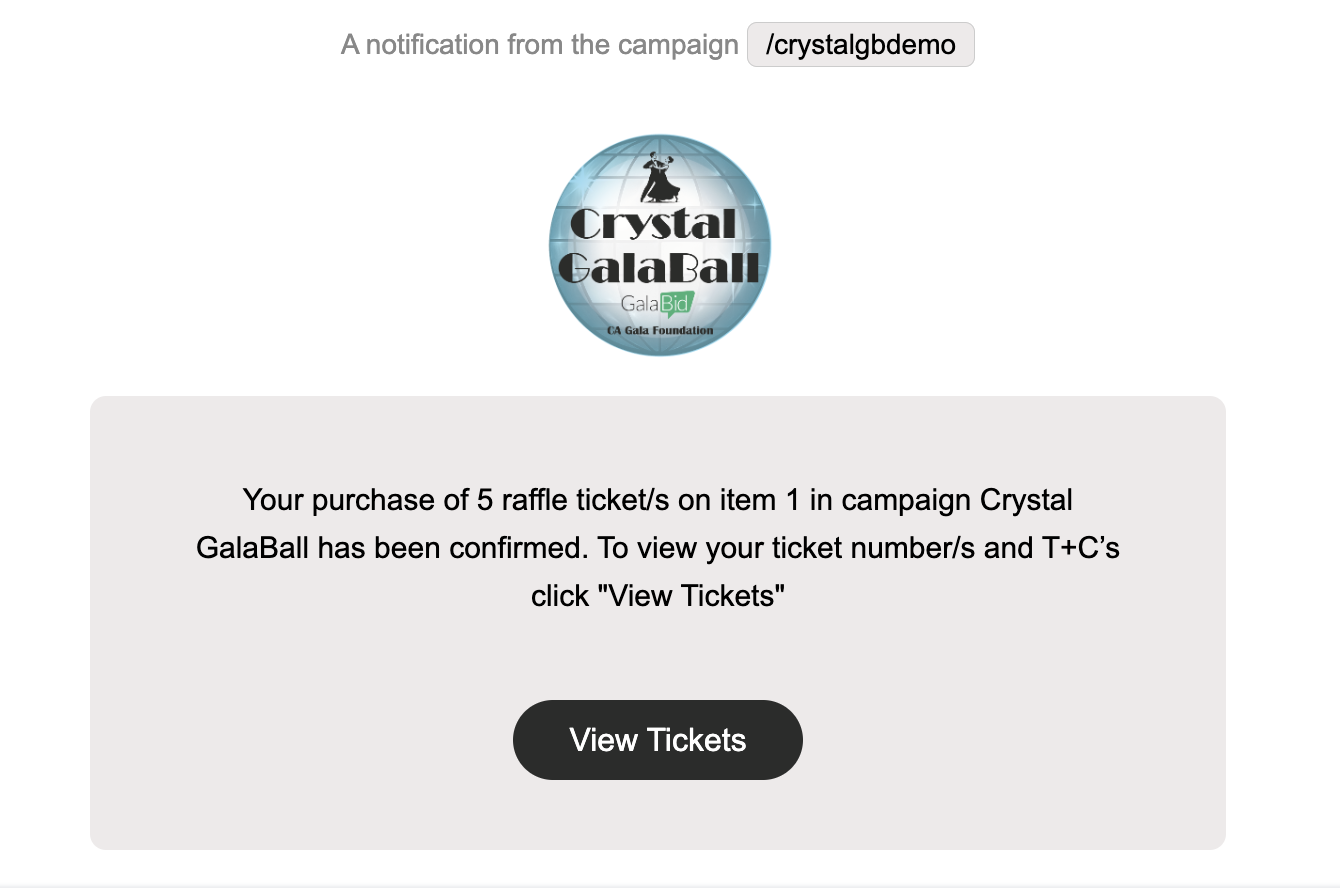
To make it easier for guests to access their raffle tickets, clicking "View Tickets" automatically logs them into their account and takes them directly to their raffle ticket numbers. Guests do not need to manually enter their login credentials.
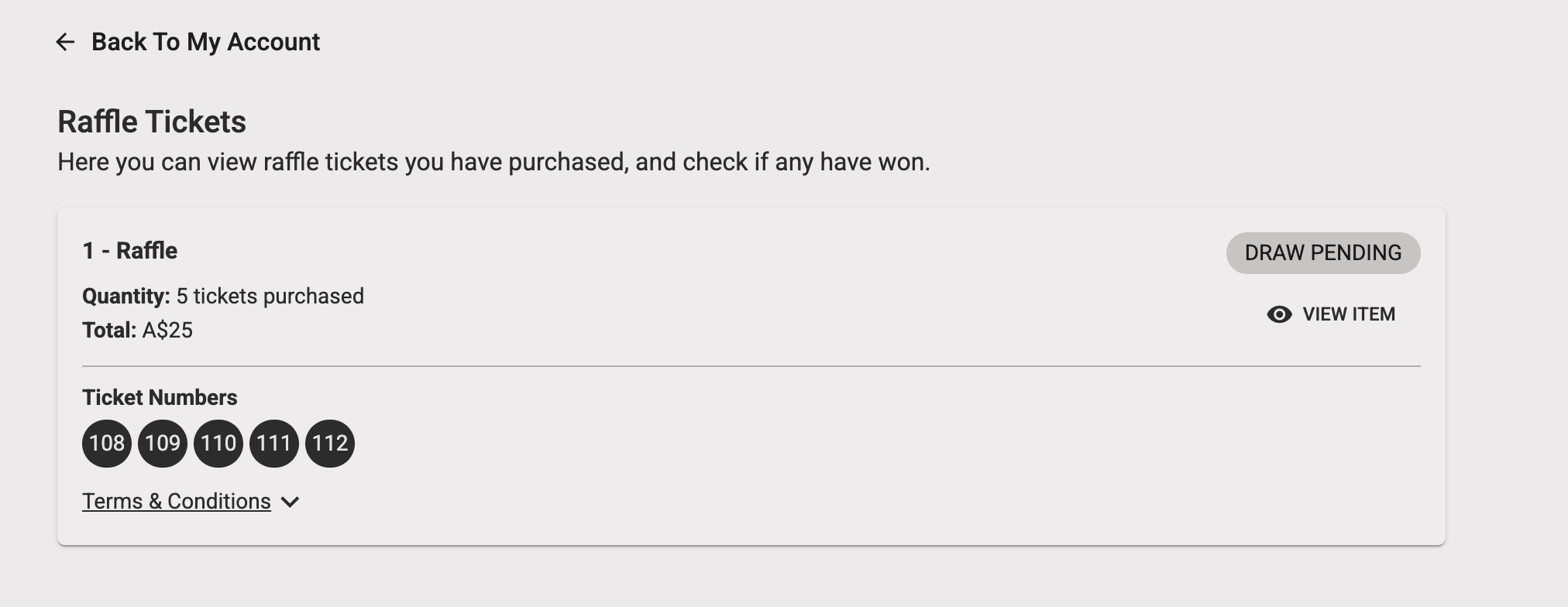
For account security, each auto-login link can only be used once. If a guest clicks View Tickets again using the same link, they will see an Invalid Link message.
If the link has already been used, guests can log in to their account and navigate to My Account > Raffle Tickets to view their ticket numbers.
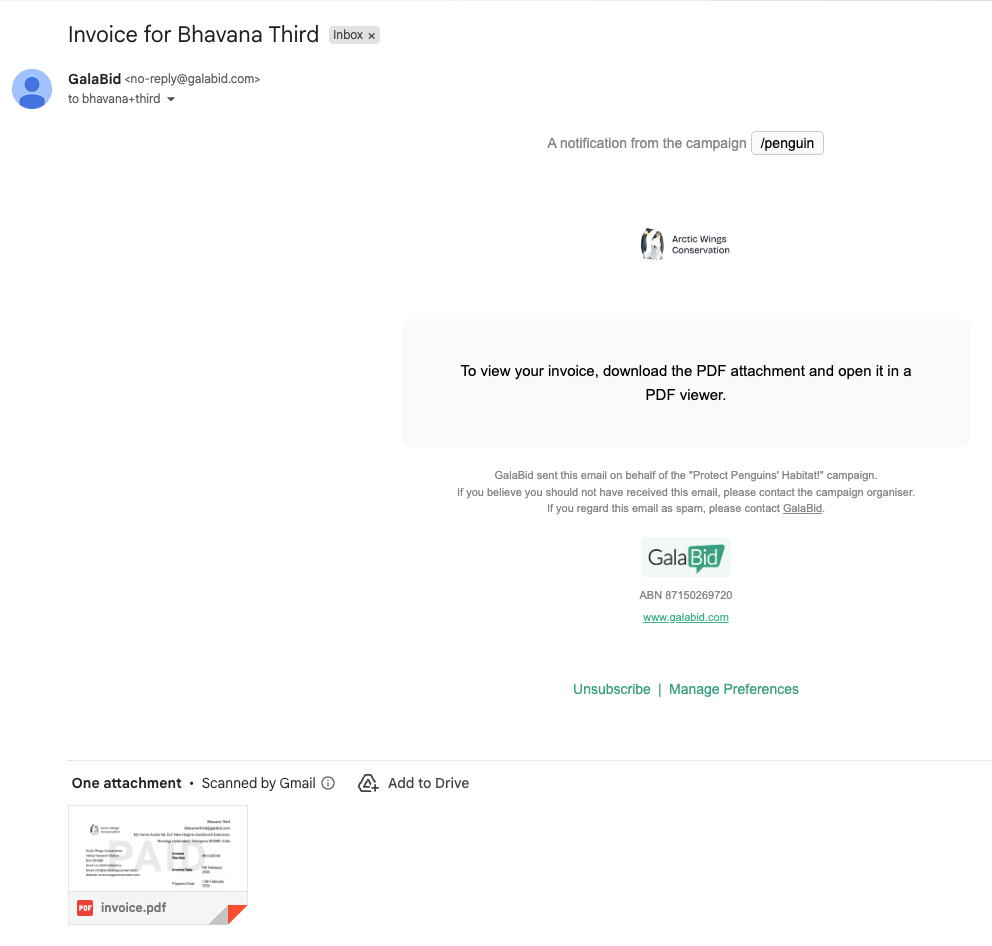
Ticket Purchasers who enter an email address will also receive an invoice.
Depending on the registration settings in the campaign, Raffle tickets may be distributed to some or all purchasers via text message instead of email.
This is an example of the text message notification and the link to the My Account area on the campaign to view ticket numbers etc

An automated notification is also sent to each prize winner once the raffle has been drawn.
