

How does overtime work?
Last updated:
April 20, 2026
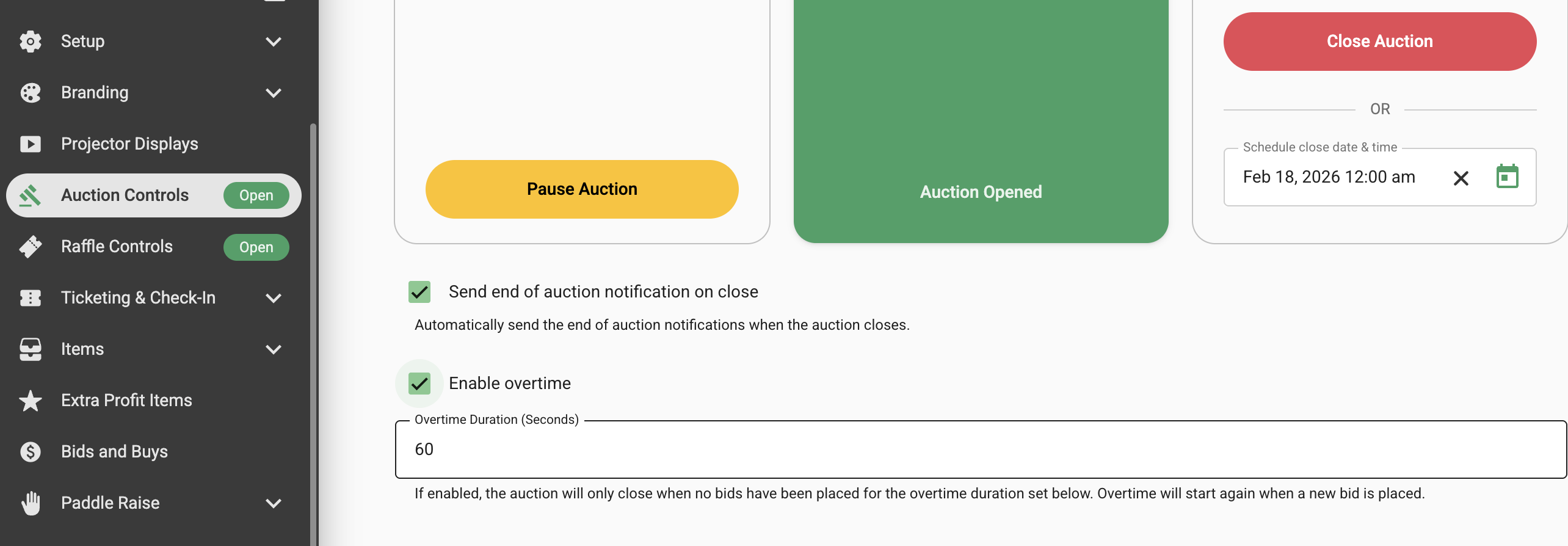
Navigate to the Auction Controls tab on the side menu and click the Enable overtime checkbox.
Enter the amount of overtime in seconds. Add 60 seconds and if a bid is placed in the last 60 seconds of the auction the auction will be extended by a further 60 seconds. If no more bids are placed during the overtime the auction will close. If a bid is placed during the overtime an additional 60 seconds will be extended by a further 60 seconds. This will continue until no bids are placed.
Note: Overtime affects the entire auction not specific items so if a bid is placed on an item during overtime the entire auction will be extended.
See this video.
