How to Lock an item?
Last updated:
November 19, 2026
To lock an item, navigate to the Item Form and scroll down to "General options".
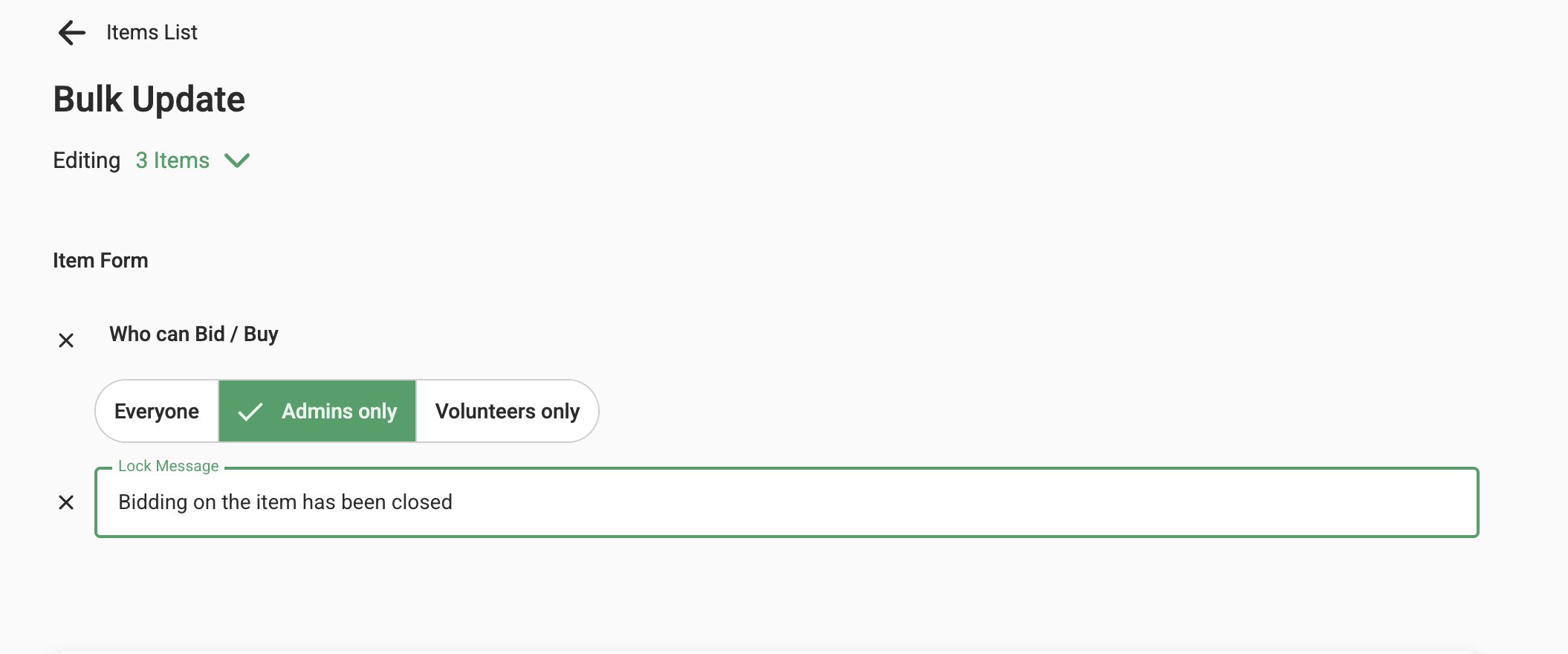
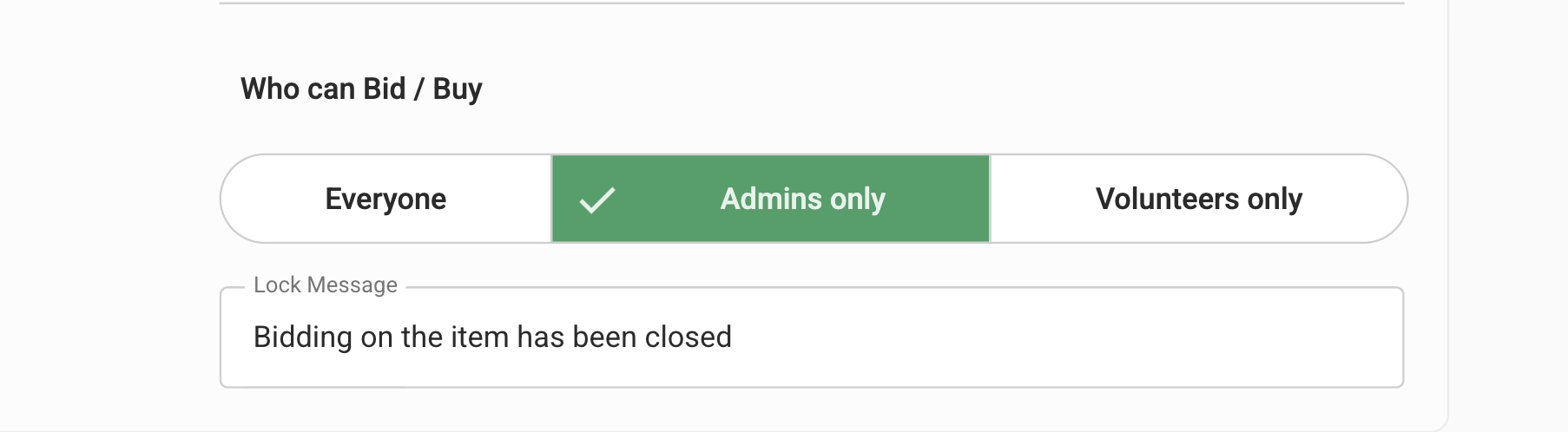
Under "Who can bid/buy", select Admins only. Then, in the Lock message field, enter "Item is Closed" or any personalised message of your choice.
Click Save to apply the changes.
This edit can also be done in bulk by editing the 'Who can bid/buy' and the 'Lock Message' options. Click on update at the bottom. This change will reflect on all the items selected.