

How do I refund payments on the GalaBid dashboard?
Step 1) Go to the payments under checkout console, this will then show you all the payments that have been made on your campaign.

Step 2) You can then search for the payment you wish to refund by entering the participant's information, you will find 'Refund' under the actions, click this to initiate the refund process.
Note that the time it takes for the refund to be fully processed and for the refunded amount to be received by the participants varies. Check the status of the refund within the Stripe dashboard.
Alternatively for 'Buy it now' 'Donation' and 'Raffle' purchases you can refund these in the bids and buys tab.
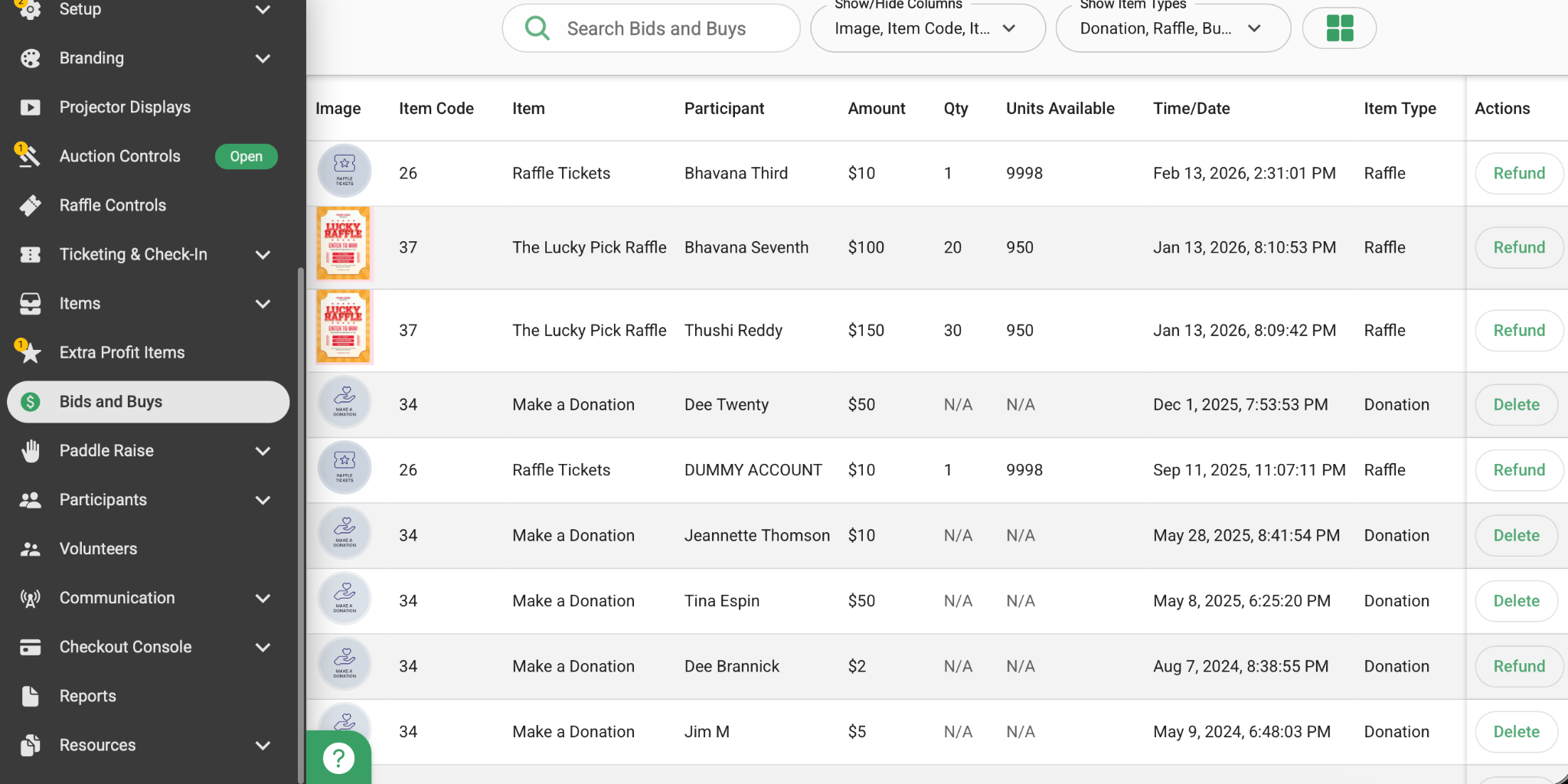
Note: Stripe fees are Non-Refundable and Auction purchases can only be refunded from the payments tab in the checkout console.
Note that part refunds are not available on GalaBid. Part refunds can be made via Stripe however please note that any refunds processed directly in Stripe will not be reflected in GalaBid.
You can track the status of the refund from within your Stripe account by logging into your Stripe dashboard here
