

What is the Comment Feed and How does it Work?
The Comment feed is the comment section on the GalaBid platform for participants to post comments during your campaign.
On the dashboard you can find the Comment feed under the Communications Section and here you can see all the comments made by your participants.
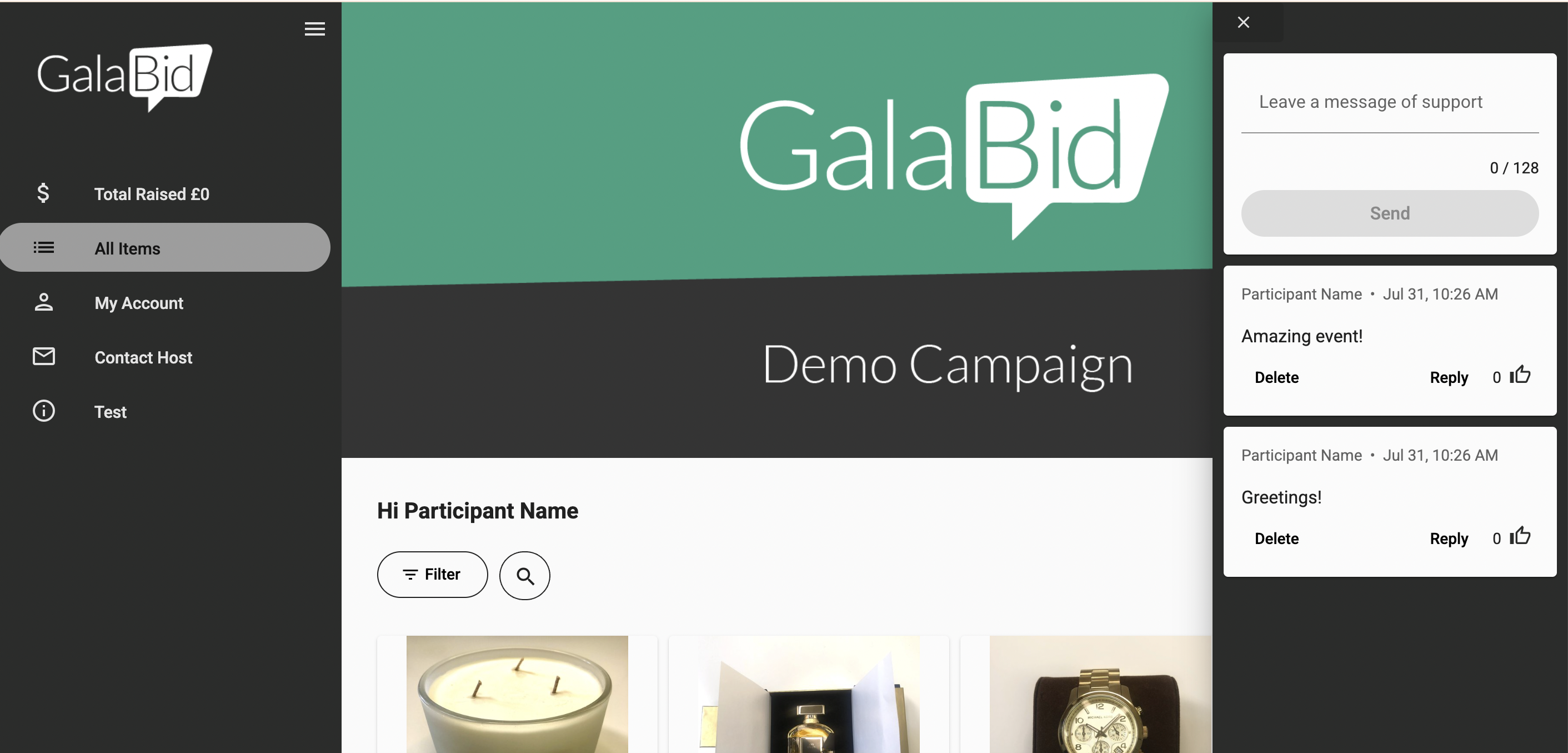
You can also view the Comment feed on the front end to see how it is displayed for participants and to reply to the comments made on your campaign, to do this click the speech bubble in the top left corner.
The Comment feed will then display on the right-hand side of the screen, to reply to the comments made on your campaign click reply beneath the message.
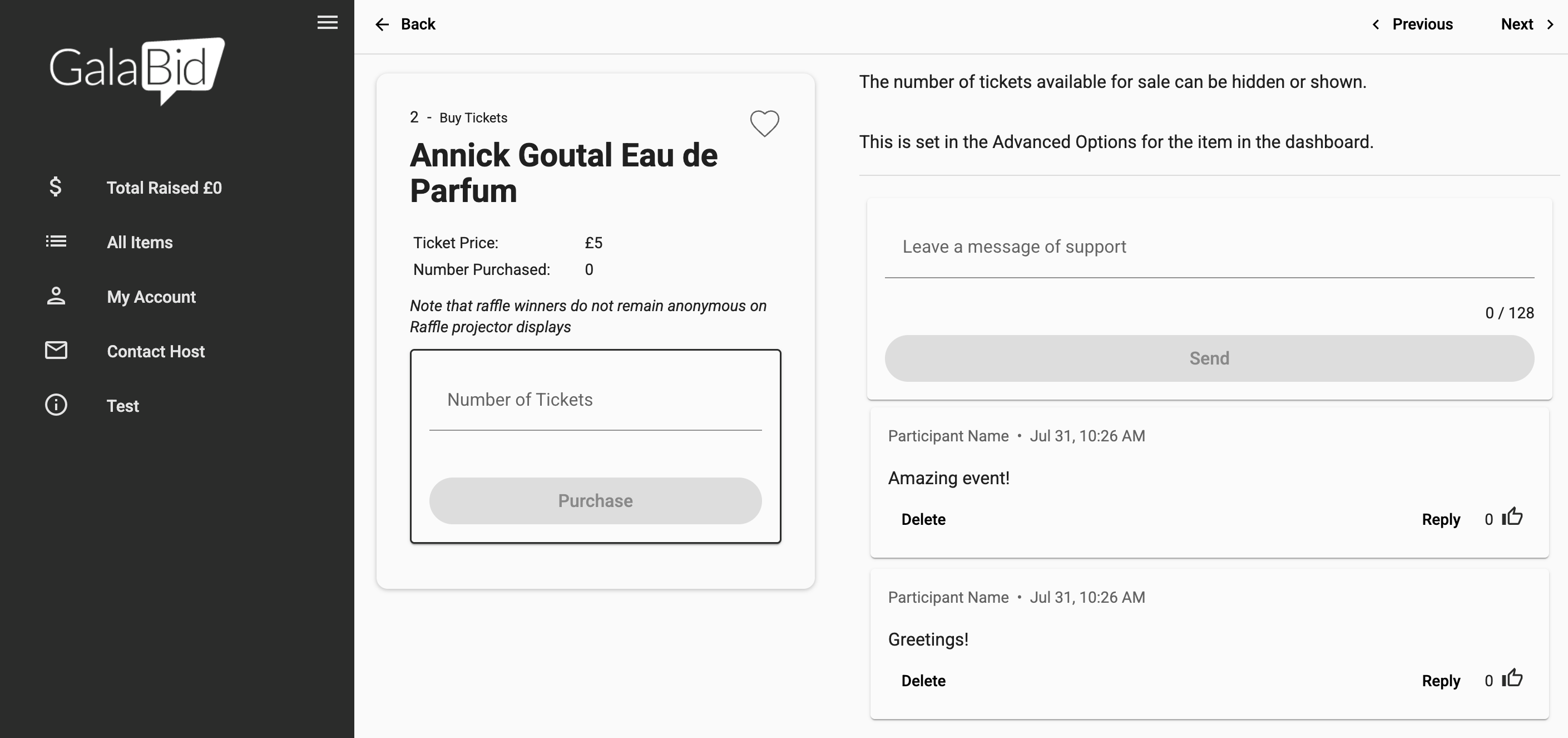
The Comment feed will also show on each item so your participants can comment as they bid, buy or donate, these comments will be displayed all across the platform on every item, below the item's description.
You can also display the names and amounts of recent bids, donations, and purchases under "Latest bids" for each item when the Item Activity Feed is enabled on your campaign.

If you would like to remove the Activity feed from the items, you can do this by editing the item and going to the advanced options and unticking 'Enable Activity Feed'
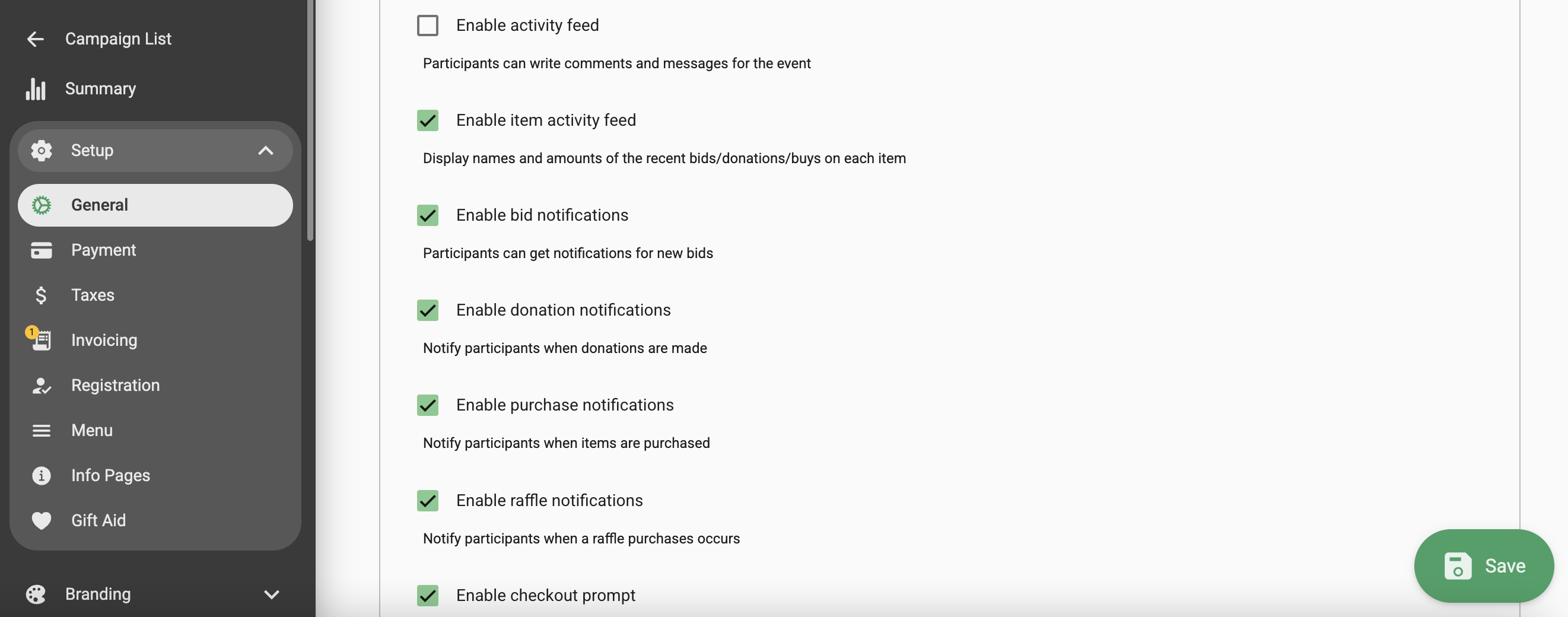
If you would like to disable the Activity feed altogether follow this link here
