

How do I sell unsold items after the auction has closed?
Options for Unsold Items
After the auction has closed some items may not have sold. Reopening the auction is not possible. These are the alternatives:
Option 1:
If there are no bids on an item you can enter a bid for the item via the dashboard.
Option 2: Change to Buy Now Items
1) Edit items without bids and change the item type from auction to Buy Now.
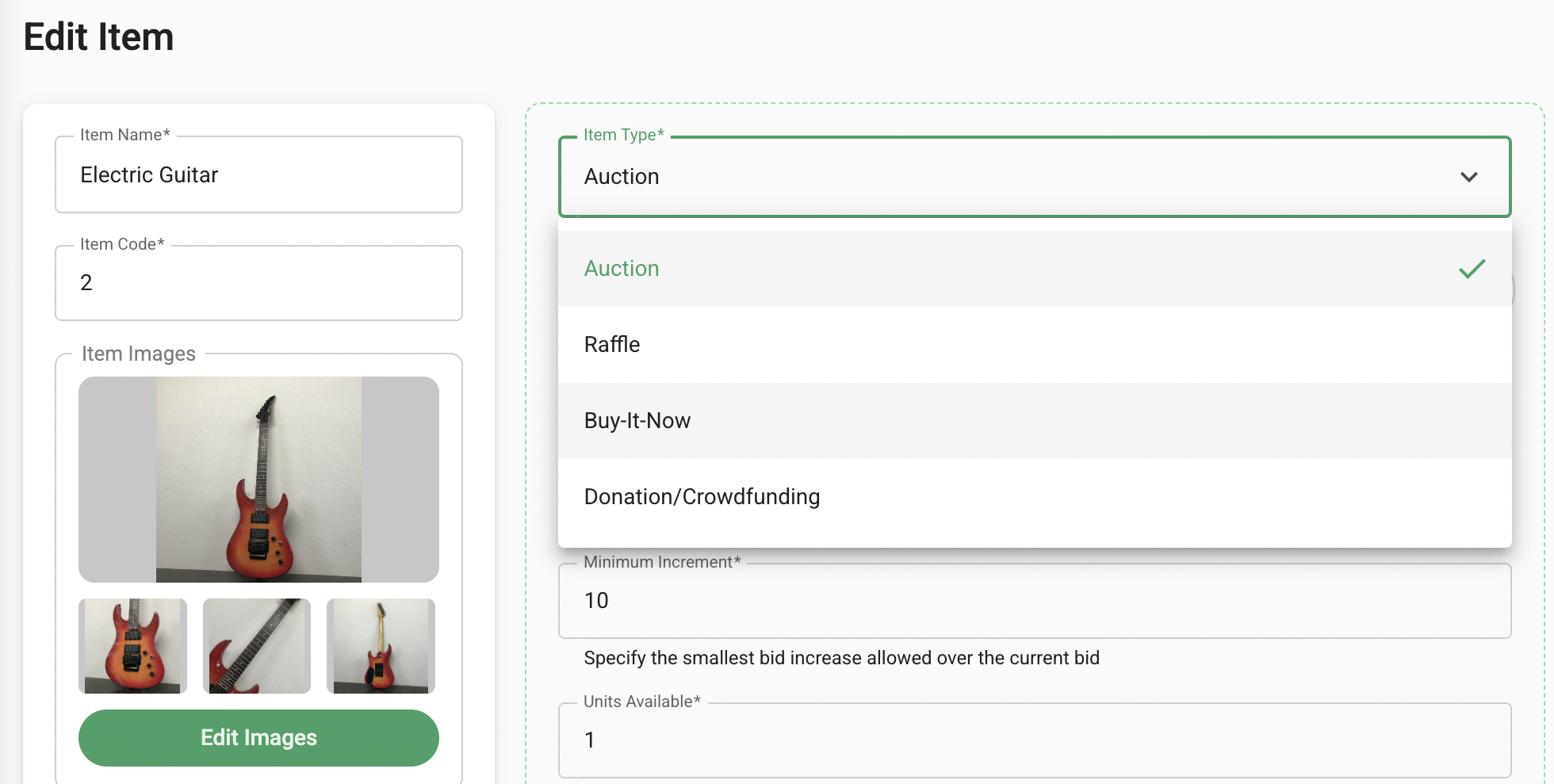
2) Enter the fixed price for the item(s) and save.
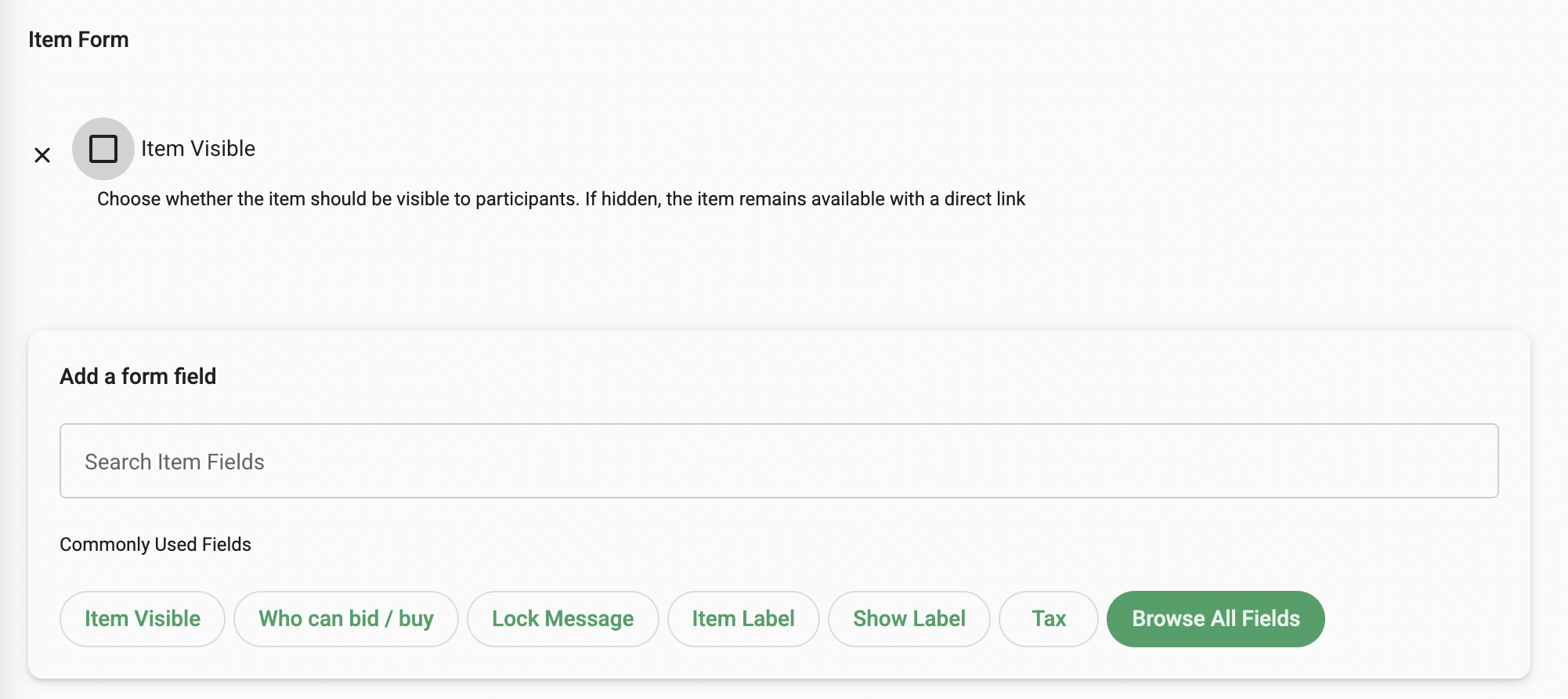
3) Consider hiding the auction items that have already sold. This can be done by selecting the items from the box on the left of the items listing. Change the visibility field by opting into the 'Item Visible', unselect this feature to hide and save to apply changes to all items selected.
4) Next communicate with the potential purchasers. Bulk messages can be sent via the Communications Section or individual messages can be sent via the Participants section.
Option 3: Create a New campaign
1) Create a new campaign and transfer the unsold items into the new campaign.
2) In the destination campaign, go to Items > Transfer In Items, then select your previous campaign to view all available items.

3) Once the unsold items are imported, you can open the auction and set the closing time in the Auction Controls tab.
4) Next communicate the new campaign link with prospective bidders and instruct them to simply login to the new campaign to bid. Bulk messages to all participants can be sent from the original campaign (Communications Section) including the link to the new campaign.
Reach out to our team for guidance on these options anytime.
